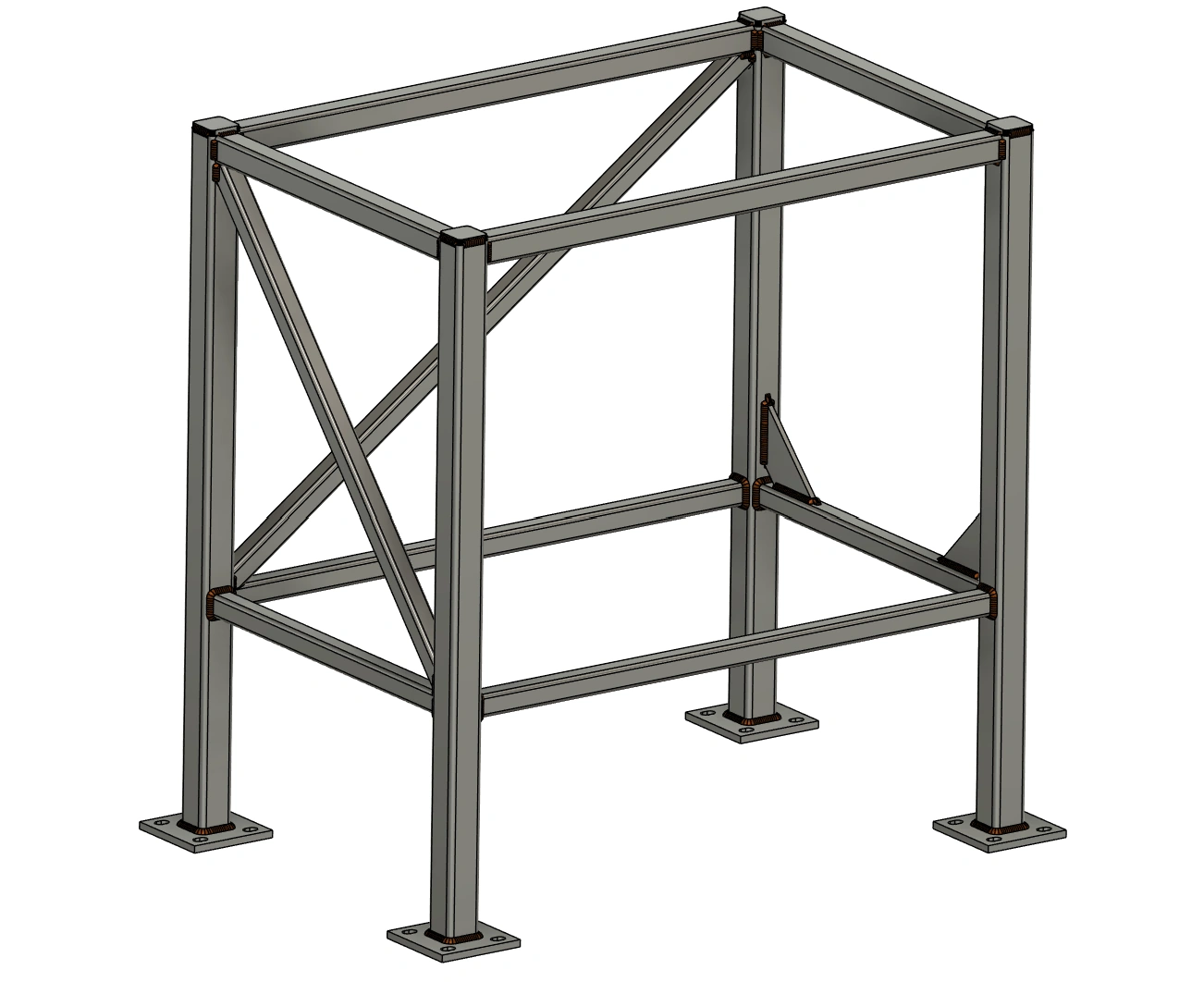
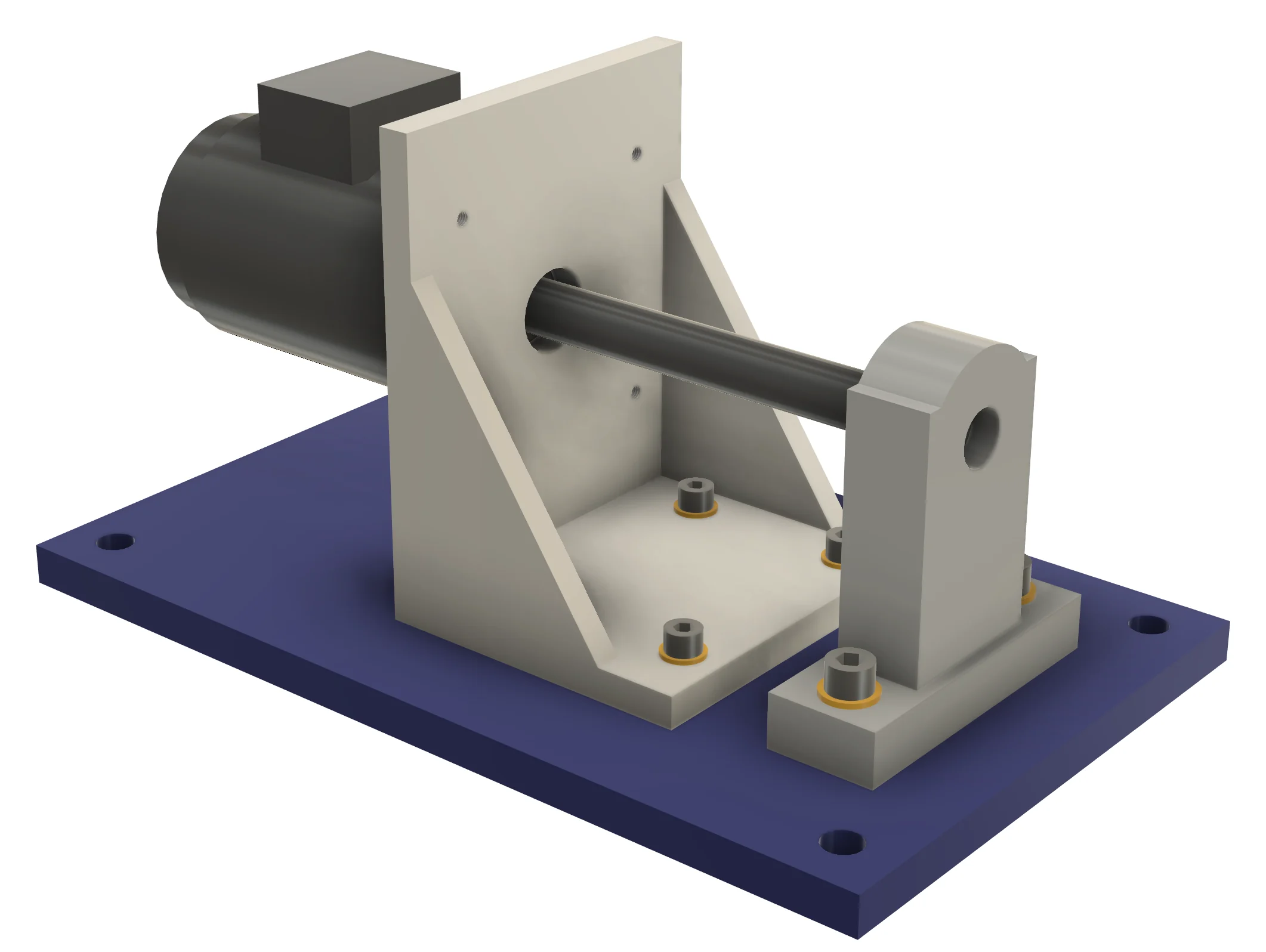
Welded steel table frame with base plates built by Steel Frame & Weldments Pro in Autodesk Fusion 360
Add-ins for Autodesk Fusion 360

Fabrication tools Fusion 360 does not have yet

Structural frames, weld beads, base plates, stock-bar planning, pipe routing and CNC bend data — the SolidWorks Weldments and Routing workflows, rebuilt for Fusion, with the cut lists and shop files the fabricator actually needs.

3 add-ins
one fabrication toolchain
1,160+
profile, pipe & tube sizes
Rebuildable
edit after creation, everything follows

Products

Pick the part of the job you do

All three run inside Fusion 360 on Windows and macOS, store their data in your document, rebuild when the design changes, and share one idea: the model should already contain what the shop needs.

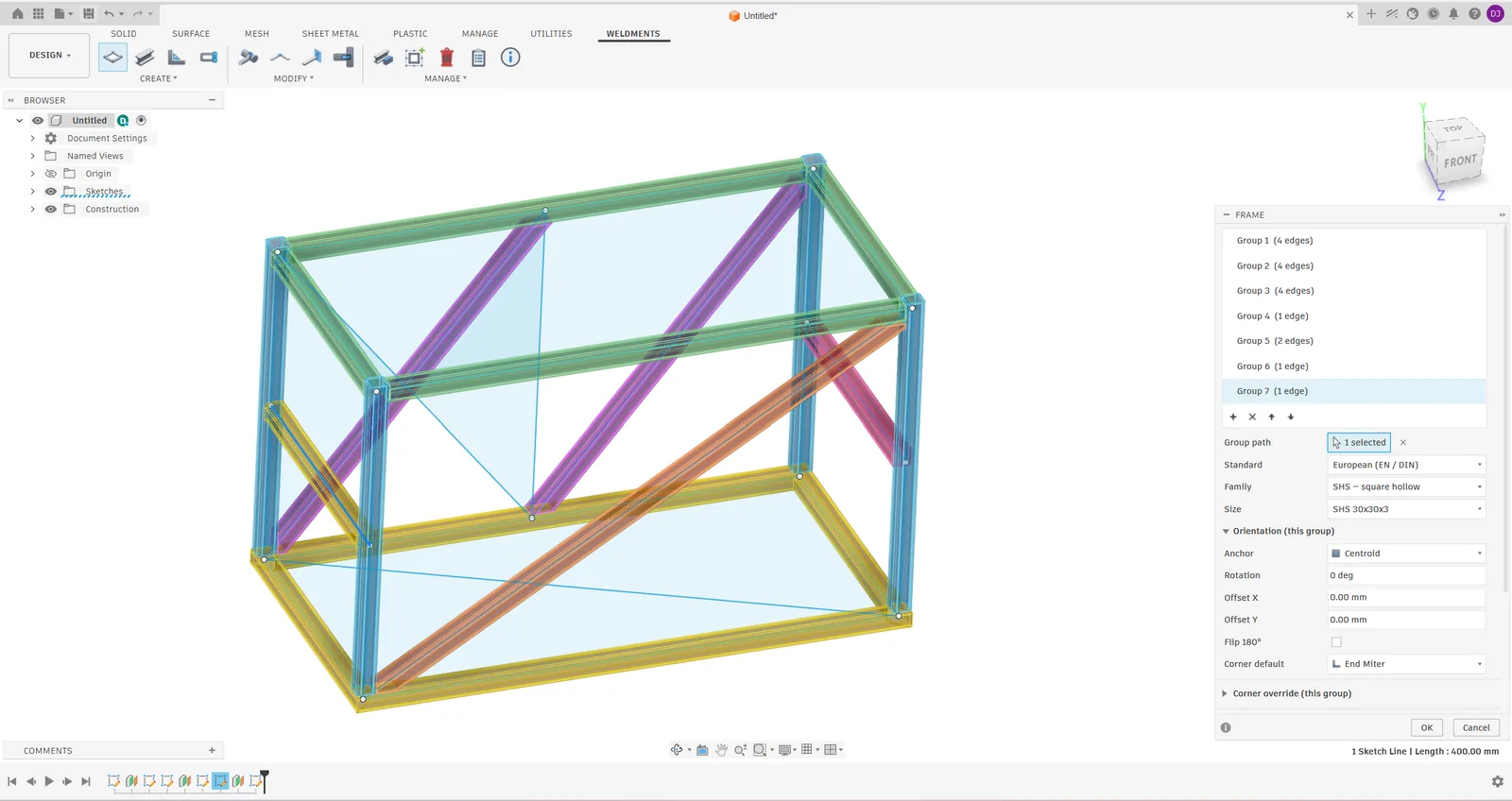
Frame command with several profile groups previewed in Fusion 360
On the App Storev1.3.2

Steel Frame & Weldments

Frames, joints and cut lists

Build steel and aluminium frames from centerline sketches with SolidWorks-style joint rules, add gussets, end caps and self-fixturing tab/slot joints, and export cut sheets.

  • 616 sizes — EN, ANSI, JIS, aluminium extrusion
  • Miter / butt / cope, corner override, weld gap
  • Gusset, End Cap, Tab / Slot, Notch, Trim
  • CSV + PDF cut sheets with balloons
$49one-time, per user
Rippled weld beads on a mitred tube corner
Early accessv2.2.0

Steel Frame & Weldments Pro

Everything in Standard, plus the shop side

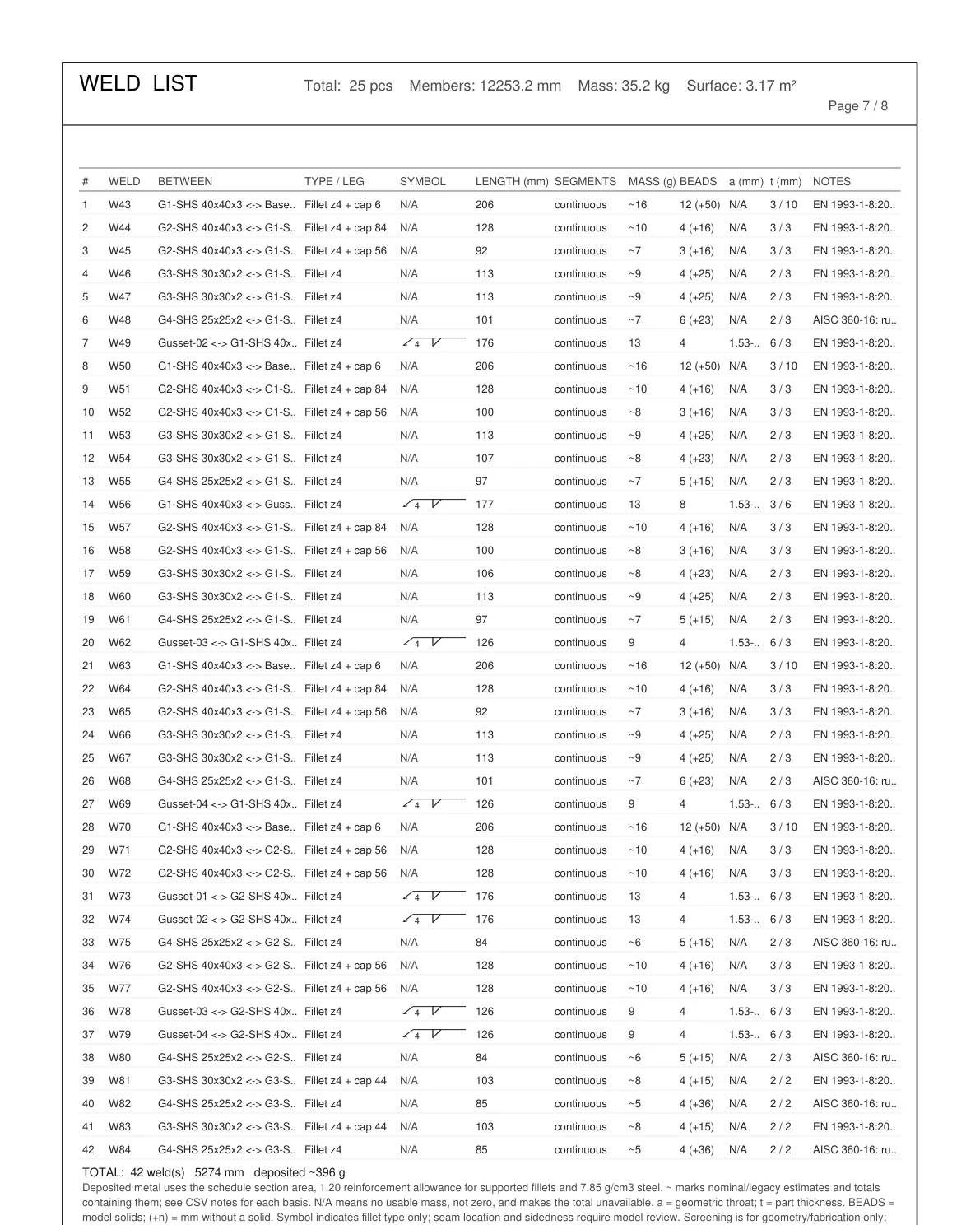
Weld beads with a weld schedule and cost, bolted base plates, a stock-bar optimizer, flat DXF of every plate, and a cut list that appears in your Fusion drawings.

  • Weld Bead + schedule, Weld Cost
  • Base Plate with bolt patterns
  • Stock Optimizer, Plates to DXF
  • Mass, surface, drawing-ready descriptions
$79launch price, one-time
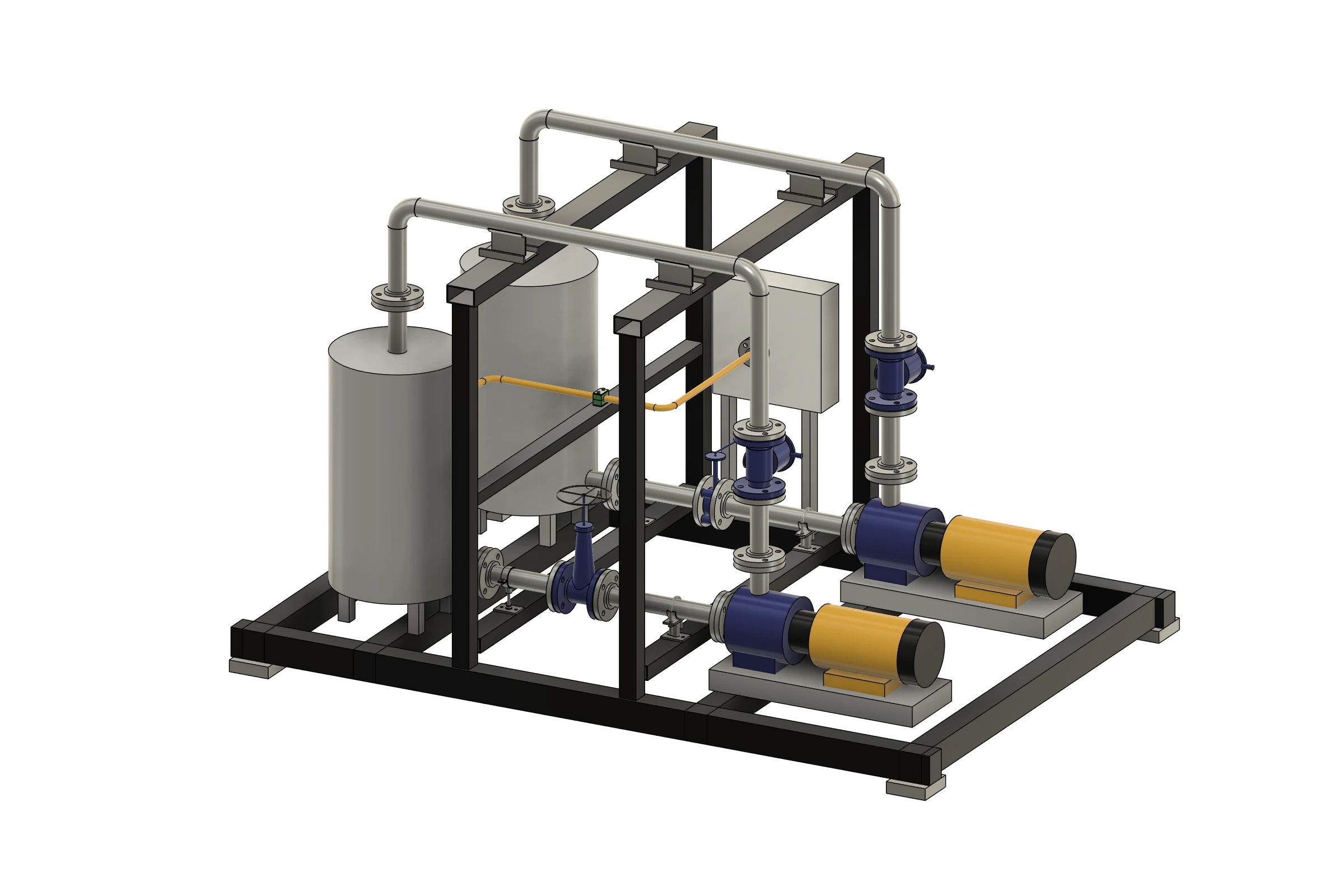
Bent tube and flanged pipe network with tee and elbow
Early accessv0.4.0

Tube & Pipe Routing

Route, fit, bend, notch, weld

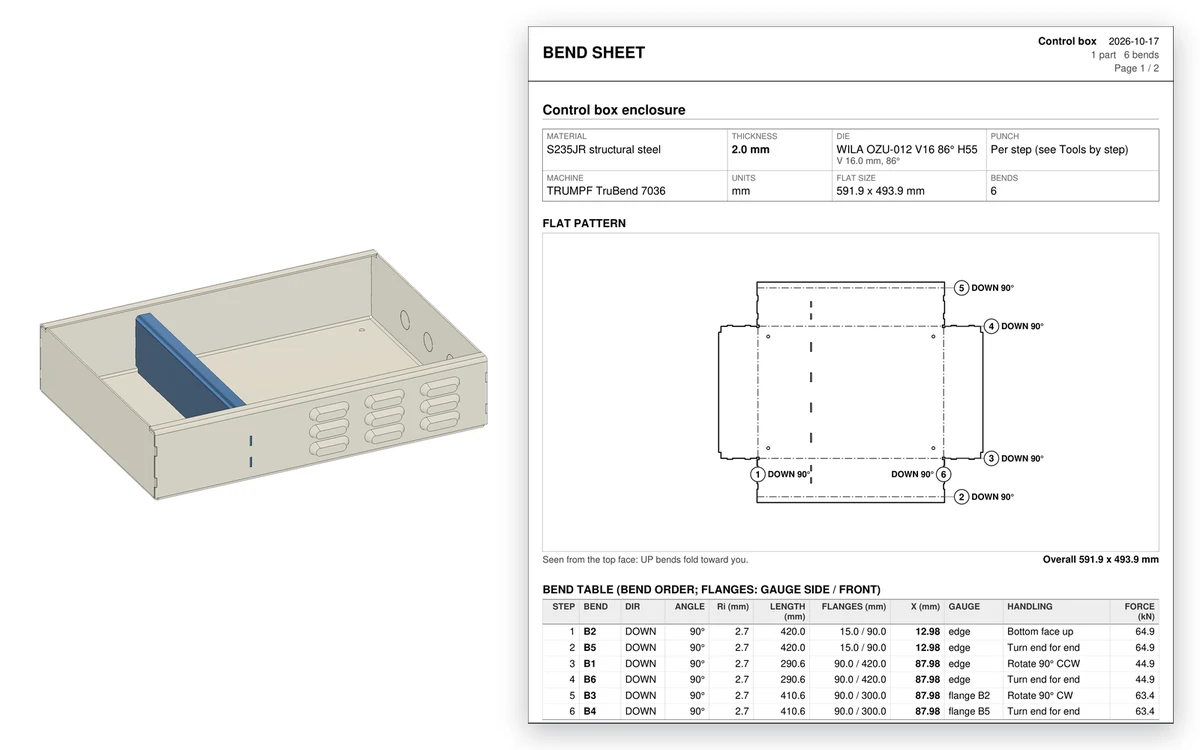
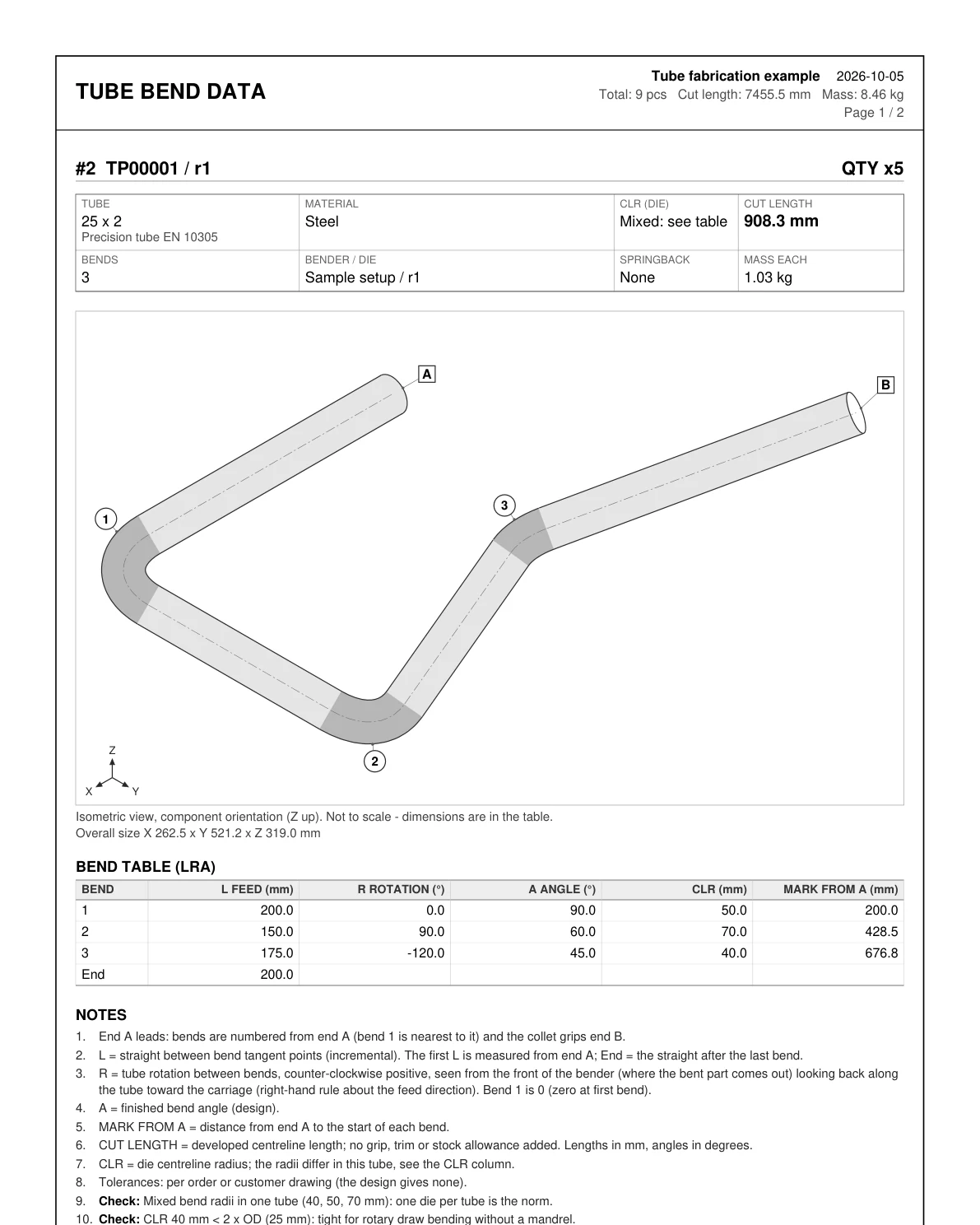
Route pipes and tubes along 3D sketches, insert standard or vendor fittings, auto-route around obstacles, and export CNC bend tables, developed lengths, fishmouth notch templates and a per-joint weld list in dia-inch with cost.

  • 545 sizes in 21 families
  • Elbows, tees, flanges, your own fittings
  • LRA / YBC bend data, springback, marks
  • Auto Route, Notch Template 1:1
  • Weld Joints: dia-inch, cost, bead rings
TBAearly-access builds on request

Why these add-ins

Built the way a fabricator works, not the way a demo looks

Real joints, verified

Miters, butts and copes are cut with BRep booleans and every build is checked: a joint that did not close is reported, never hidden.

Shop-ready output

Cut sheets with balloons, long / short points and saw angles; bend tables; DXF plates; stock plans. Numbers checked against hand formulas.

Edit and everything follows

Change a frame and its joints, plates, welds and tubes are rebuilt on the new bodies. Items you deleted stay deleted.

One developer, direct line

Built and supported by one engineer. Reports go to the person who fixes them; most features started as someone’s email.

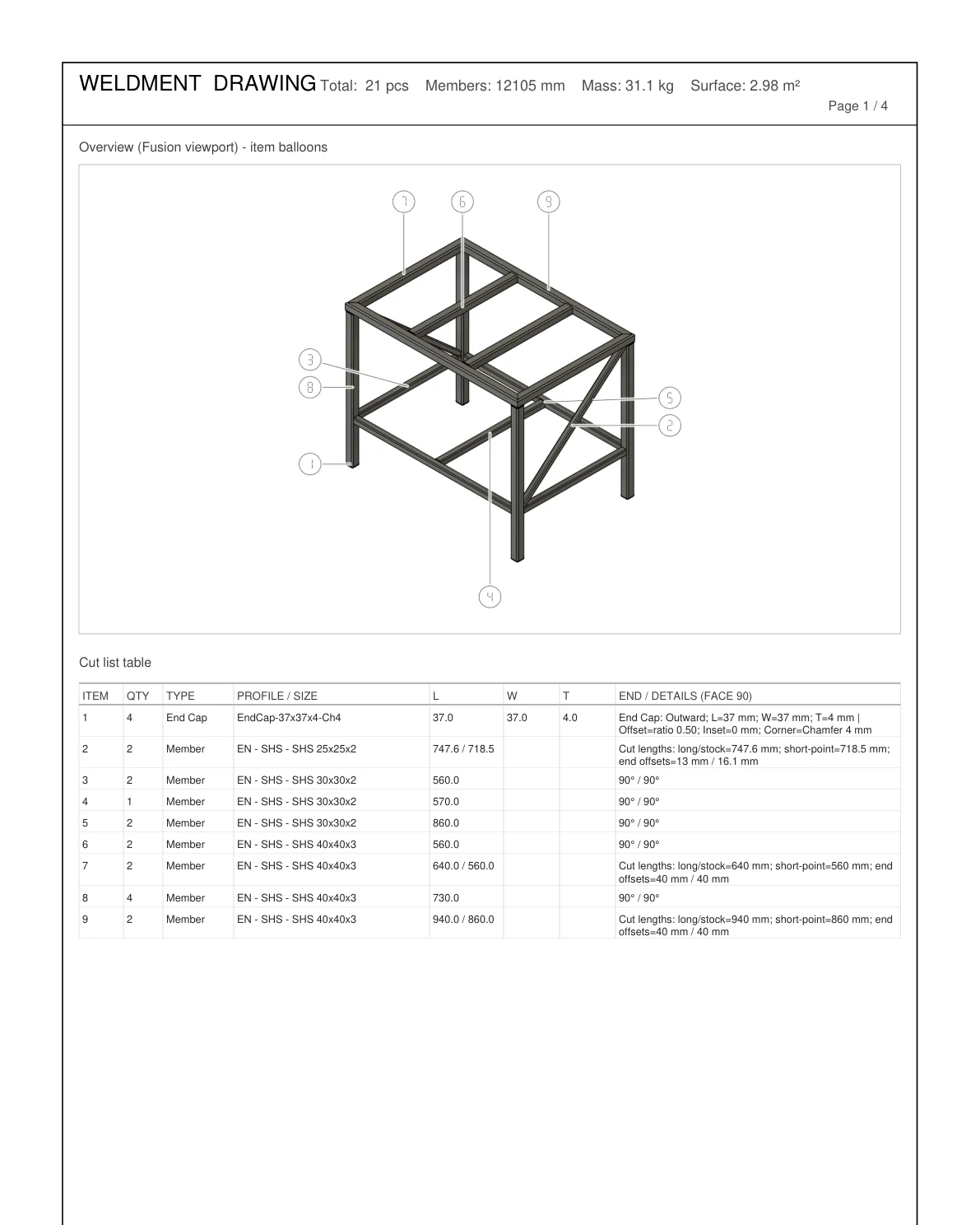
Cut sheet PDF overview page with item balloons
Cut sheet with model overview and balloons (Steel Frame & Weldments).
Stock plan page with bar diagrams
Stock plan: pieces nested on 6 m bars (Steel Frame & Weldments Pro).

Buying and licensing

Autodesk App Store, one-time price, free trial

Every add-in starts a free 3-day trial the first time you run it. Purchases go through the Autodesk App Store and unlock through your Autodesk sign-in — no keys to type. Activation codes are available for teams and direct licensing. Steel Frame & Weldments Pro and Tube & Pipe Routing are in early access: write for a build and a launch-price license.

Do the add-ins work together?

Yes. Steel Frame & Weldments Pro opens files made with Standard. Tube & Pipe Routing shares the engine and conventions, so a frame and its pipework can live in one design.

Windows or Mac?

Both. Same features, same license.

Is there AI control?

Weldments ships a local MCP server so an approved AI client can read the design and create frames, plates, welds, stock plans and DXFs — loopback only, licensed use only.

Where do I report a bug?

The feedback form below, with the email your Fusion account uses, or vanthan92e1@gmail.com.

Feedback

Found a bug? Missing a feature?

Say which add-in, which profile or size, what you expected and what happened. No sign-up — just the email your Fusion account uses, so the reply reaches you. A free trial counts.

What is this about?
Which add-in?

0 / 4000

Reports are open to licence holders and trial users. vanthan92e1@gmail.com